Wearables
Why is My Smartwatch Battery Draining So Fast? (How to Fix)
Zayn Malik•2026-07-09•5 min read
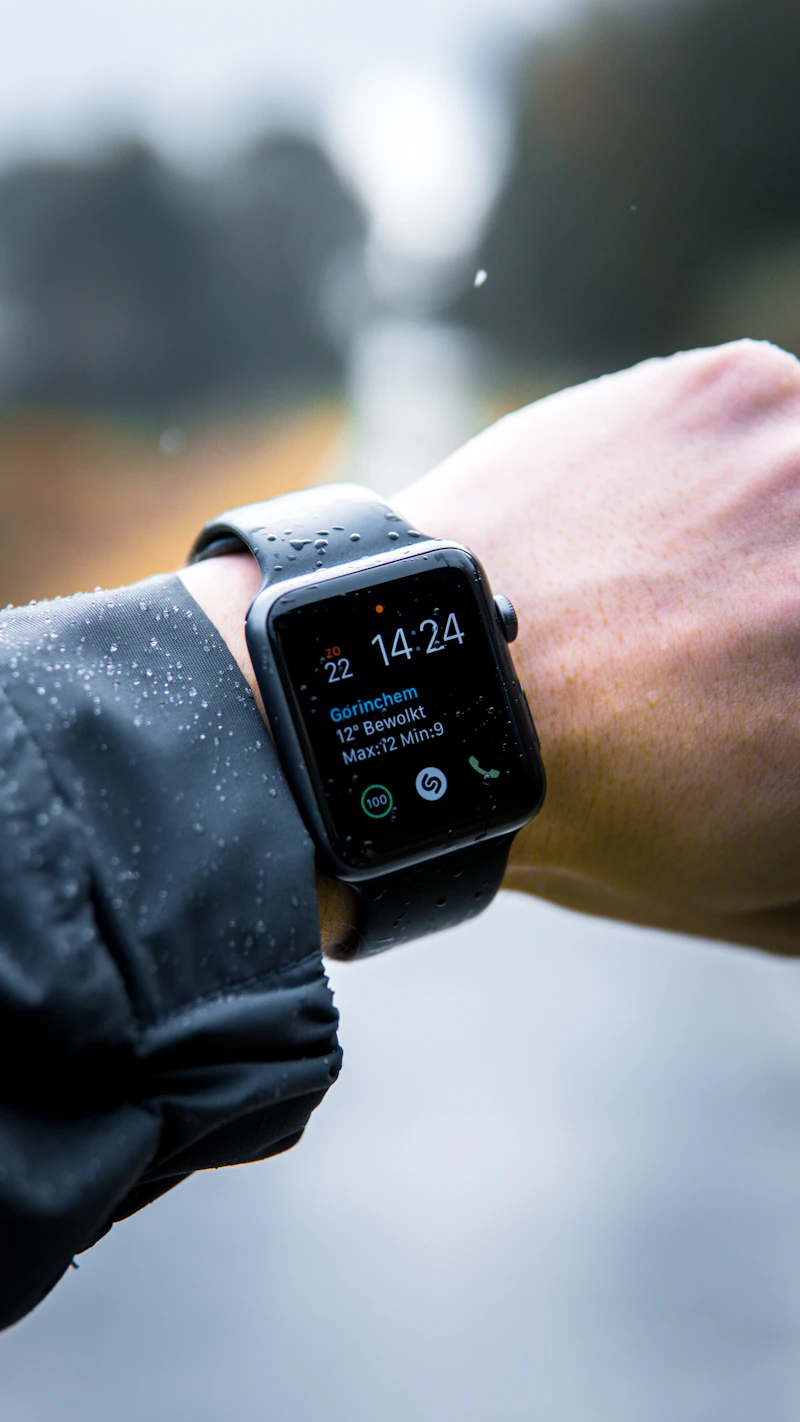
A smartwatch is incredibly useful, but rapid battery drain is one of the most reported issues by Galaxy Watch and Apple Watch owners. Here is how to optimize your watch settings.
Step 1: Turn Off Always-On Display (AOD)
Keeping your watch face illuminated all day eats up a massive portion of the battery.
- Go to Settings ➡️ Display on your watch.
- Toggle off the Always-On Display option.
- Use "Raise to Wake" instead to only turn on the screen when you lift your wrist.
Step 2: Disable Constant Heart Rate Monitoring
By default, some watches measure your heart rate every single second.
- Go to your watch's health monitoring settings.
- Change the tracking frequency to Every 10 Minutes or Manual Only instead of Continuous.
Share this fix:
Z
Written by Zayn Malik
Gadget enthusiast and DIY repair expert. Helping everyday consumers fix their consumer electronics without expensive repair bills.
Could Not Fix It?
If the hardware inside your device is permanently broken, we highly recommend upgrading to this top-rated replacement.
Recommended Replacement
Check Price on Amazon →SAMSUNG Galaxy Watch 6
$249.99